 NCHOR
Flatten any melody onto one note.
Anchor is a slice sampler that pulls every note of a vocal, lead or loop onto a single pitch, then plays it back at the notes and chords you write. It works in any DAW that loads VST3 or Audio Unit plugins.
Buy Anchor $24.99, once. Mac and Windows.A vocal-style melody with natural vibrato. Press play, then press Anchor.
Have a look around
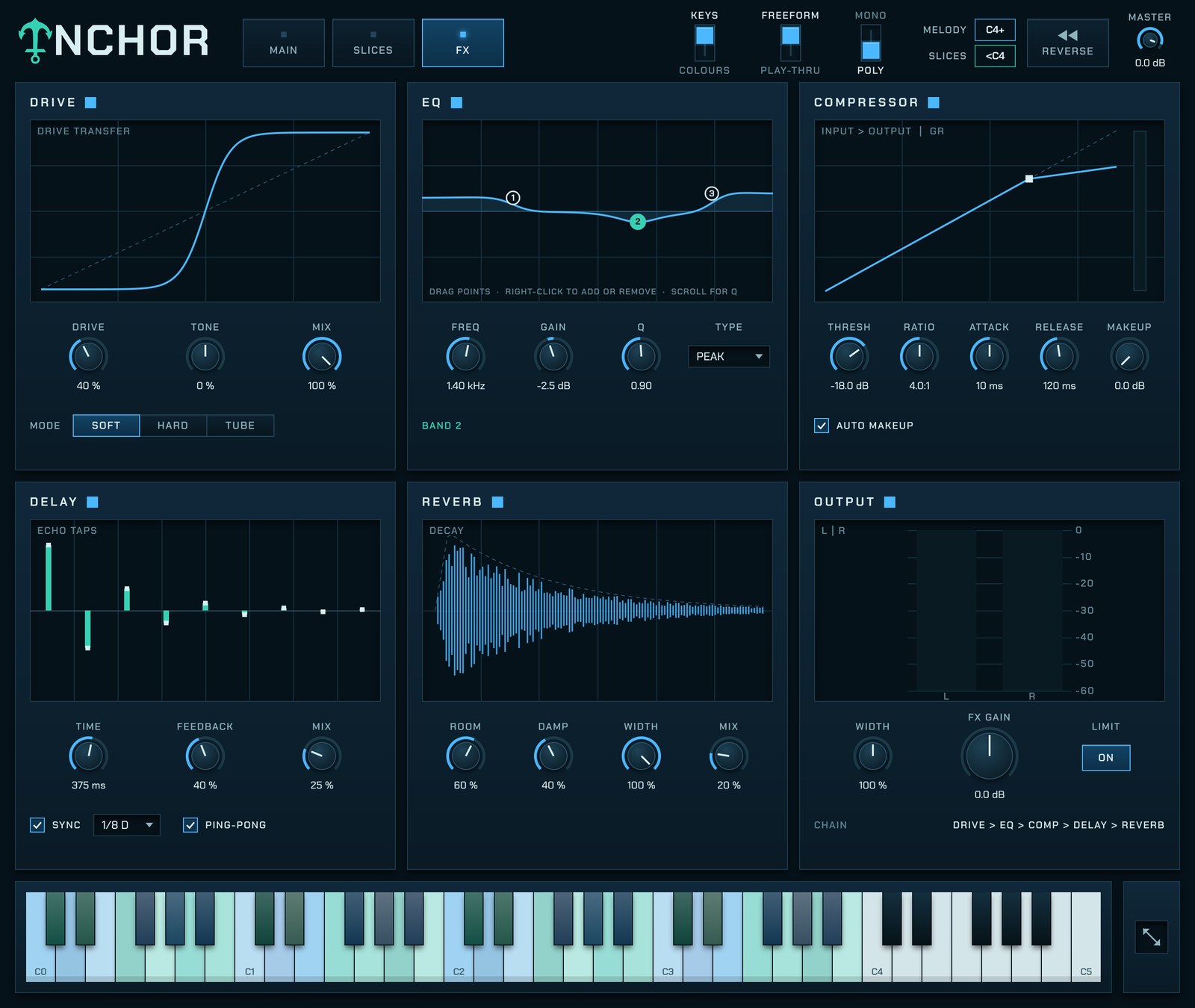
Most vocal chops and lead samples come with their own melody baked in. Anchor takes the melody out and keeps the voice, so the sample sits on whatever note you play. Point at any part of the plugin to see what it does.

Point at a name, or at the plugin, to light it up.
From a sample to a part
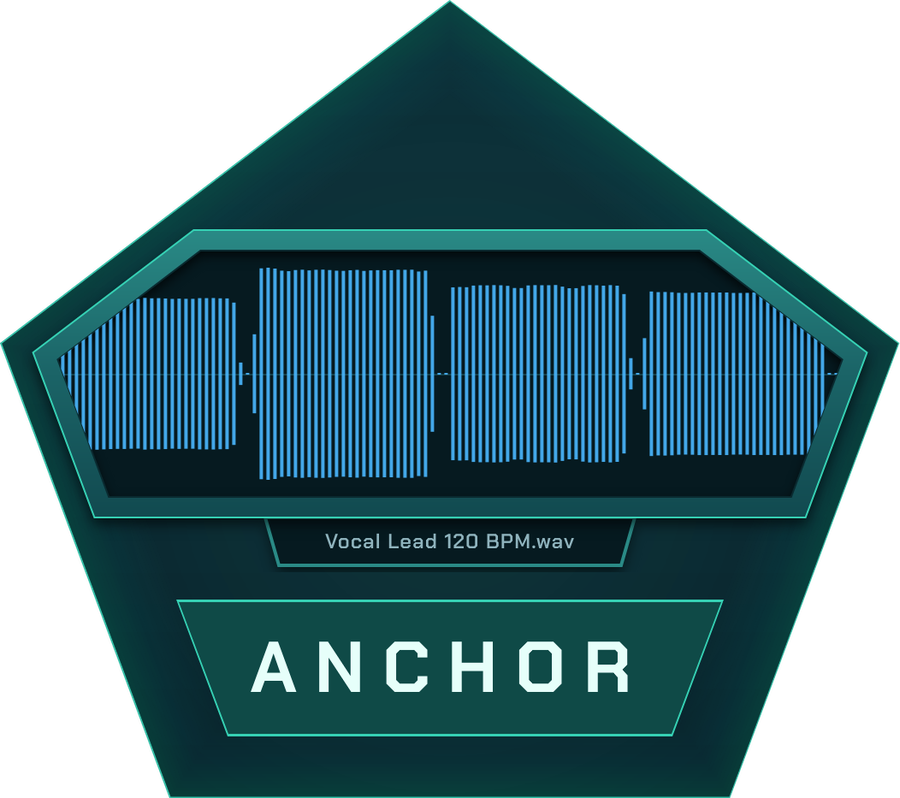
1Load it and press Anchor
Drop a sample onto the plugin. Anchor finds the pitch and cuts it into slices on the grid. Press the Anchor button and the whole phrase settles onto one note.
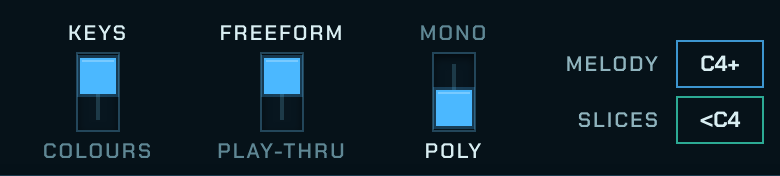
2Write the notes and the rhythm
In your DAW's piano roll, write your chords or melody from C4 up and your rhythm below it. Move the split if your part sits lower. In FL Studio you can use note colours instead.
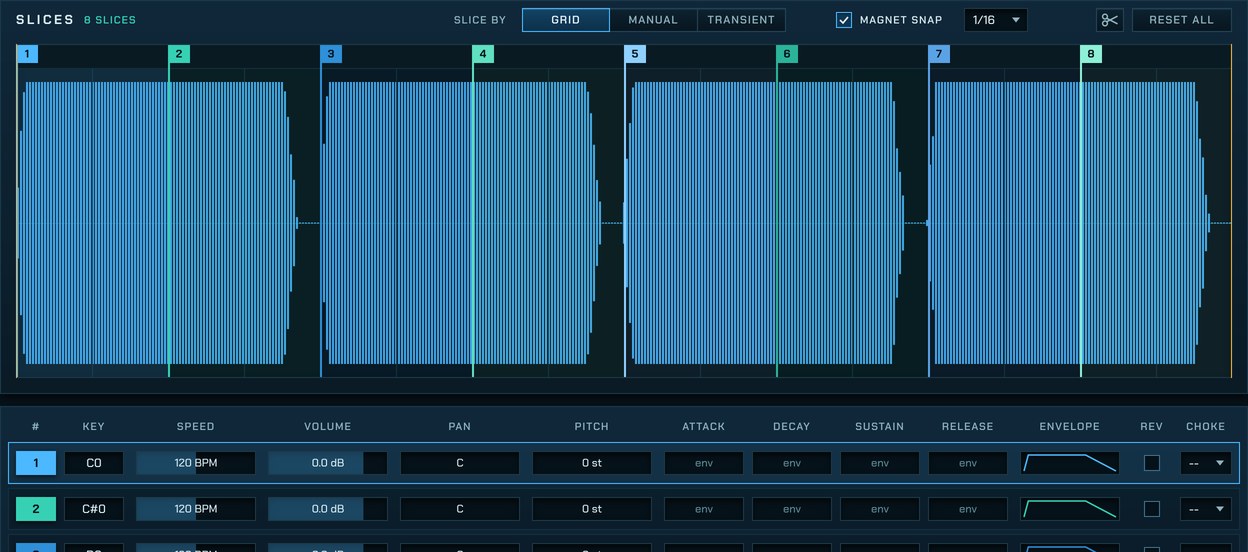
3Play it back
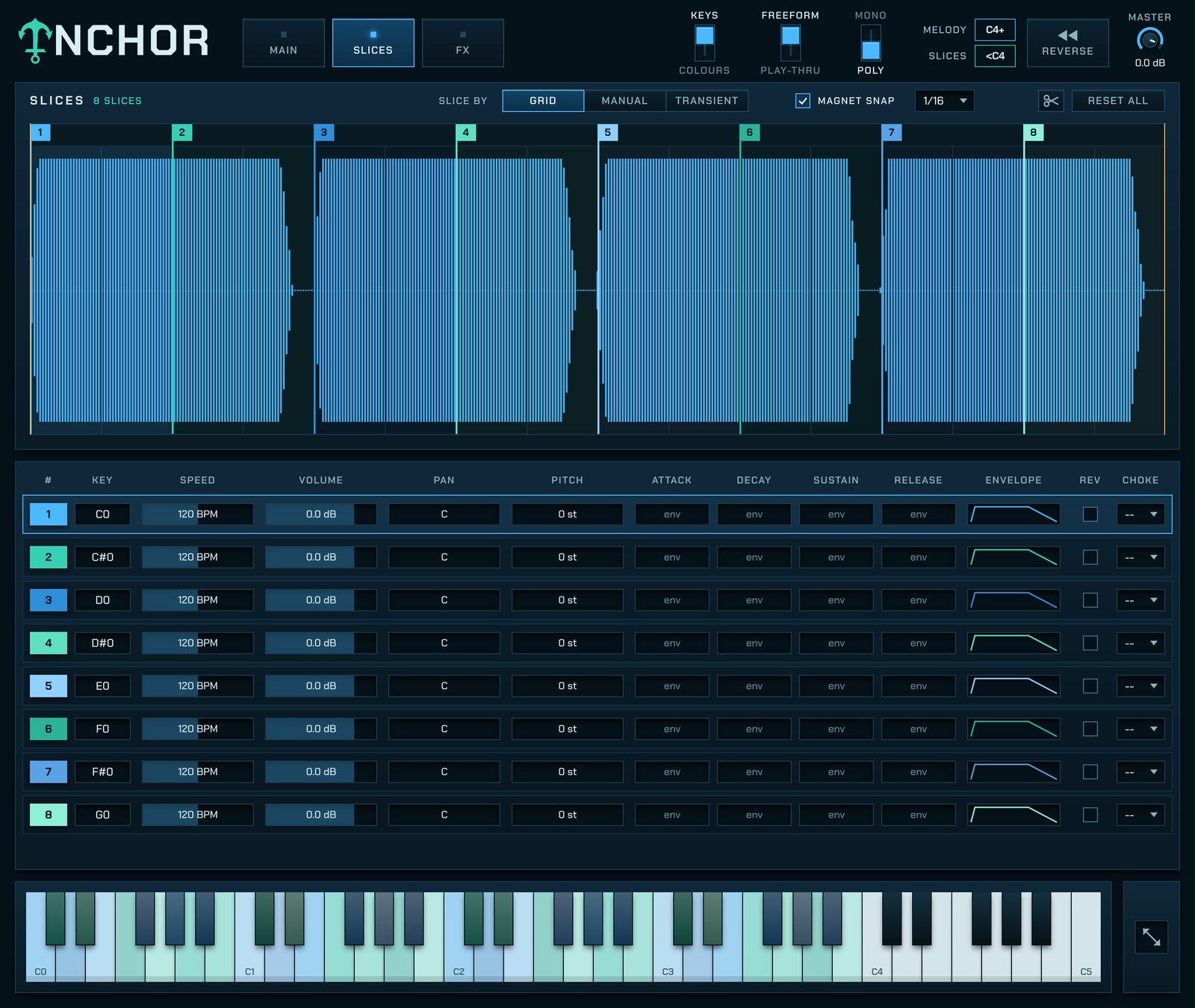
Each rhythm note plays a slice at the pitch of the chord above it. Change the chord and the slices follow. Shape each slice on the Slices page.
Slices
FX
Get Anchor
Pay once. Your license key arrives by email straight away and works on up to three of your computers, Mac or Windows. Not for you? Full refund within 7 days, no questions asked.
Buy Anchor| Computer | Mac with Apple Silicon or Intel, or a 64-bit Windows 10 or 11 PC |
|---|---|
| Formats | VST3 and a standalone app on both, plus Audio Unit on Mac |
| DAWs | Ableton Live, FL Studio, Logic Pro, Reaper, Cubase, Studio One, Bitwig and any other VST3 or AU host |
| Pro Tools | Not yet. Pro Tools only loads its own AAX format. |
| Activation | Online once, then it works offline |
Installing
- Unzip the Mac download. Inside are
Anchor.vst3,Anchor.componentand the Anchor app. - In Finder, choose Go > Go to Folder, enter
~/Library/Audio/Plug-Ins/VST3, and dragAnchor.vst3into it. - Do the same with
~/Library/Audio/Plug-Ins/ComponentsforAnchor.component. If you want the standalone app, drag it into Applications. - Open Terminal (in Applications, then Utilities), paste this line and press Return. It tells macOS the files are safe to open. If you skipped the app, Terminal says it can't find it; that's fine.
xattr -dr com.apple.quarantine ~/Library/Audio/Plug-Ins/VST3/Anchor.vst3 ~/Library/Audio/Plug-Ins/Components/Anchor.component /Applications/Anchor.app
- Rescan plugins in your DAW. Open Anchor, paste the key from your receipt and click Activate.
- Right-click the Windows download, choose Properties, tick Unblock and click OK. Then right-click it again and choose Extract All.
- Move
Anchor.vst3intoC:\Program Files\Common Files\VST3. Windows asks for permission; click Continue. - The standalone app,
Anchor.exe, can go anywhere you like. If Windows says it protected your PC, click More info, then Run anyway. - Rescan plugins in your DAW. Open Anchor, paste the key from your receipt and click Activate.
Help
Which key is C4 in my DAW?
Anchor names notes the way FL Studio does, so its C4 is the C one octave below middle C. In Ableton Live, Logic and Cubase that key is called C2. Anchor's own keyboard shows the split: keys that play slices are coloured.
Can I use FL Studio's note colours?
Yes. Flip the KEYS switch at the top of Anchor to COLOURS, then pick one colour for the melody and one for the slices. In FL, turn on Map note color to MIDI channel in the plugin's wrapper settings. In other DAWs, colours means MIDI channels.
macOS says Anchor is damaged or can't be opened
That's macOS being careful with downloaded files. Run the Terminal line from the Mac install steps, then restart your DAW.
Windows says it protected my PC
That warning appears for new apps from small developers. Click More info, then Run anyway. The plugin itself loads in your DAW without it.
Anchor doesn't show up in my DAW
Check the files are in the folders from the install steps, then rescan plugins. Some DAWs, FL Studio included, need a restart after the scan.
I lost my license key
It's in your receipt email. Search your inbox for Anchor, and check spam.
I got a new computer
On the old one, click the Anchor logo in the plugin and choose Deactivate this computer. Then activate on the new one.
Something else
Email support@anchorplugin.com.